
Work card

Work Card - what it is and how it works. In this article, you will learn what a Work card is, how it works, and how it can help you.
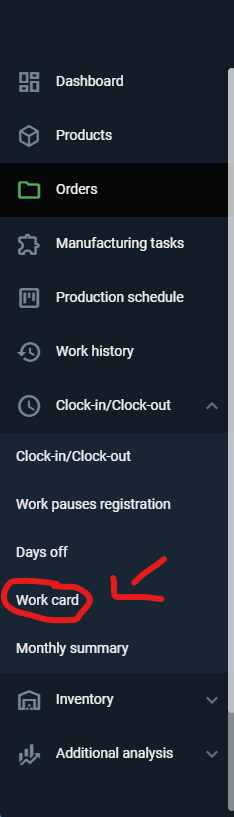
To open the work card, you need to use the side panel, then select Clock-in/Clock-out and "Work Card" 🖱️.
The work card allows us to take a closer look at workers performance over a selected month. Unlike the monthly summary, it shows the distribution of time both over the month and on specific days for a single worker 📊.
The work card contains information about:
Clock-in, clock-out
Clock-in, clock-out time (rounded and unrounded)
Time at work (rounded and unrounded)
Base hours
Overtime from rounded time
Shift
Day off

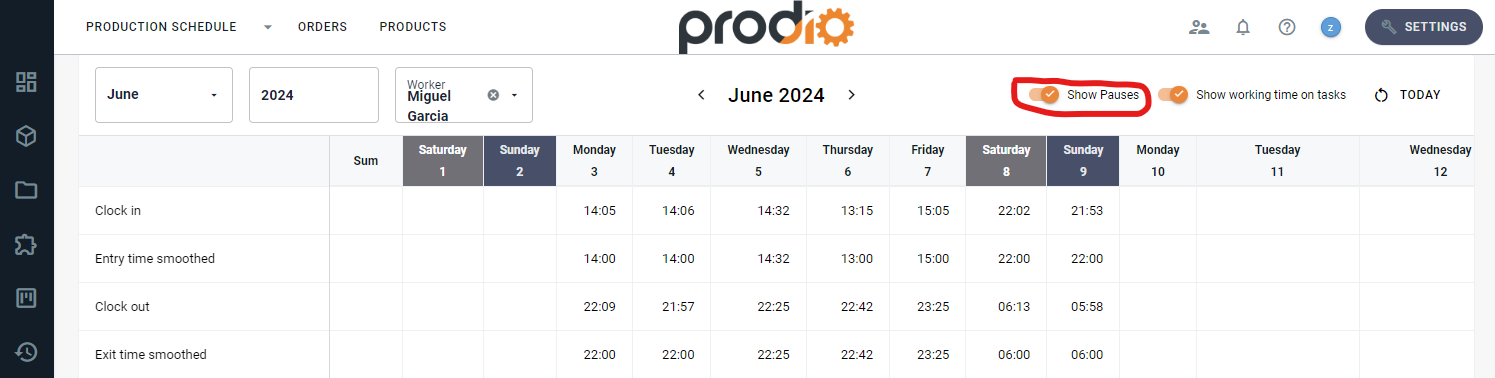
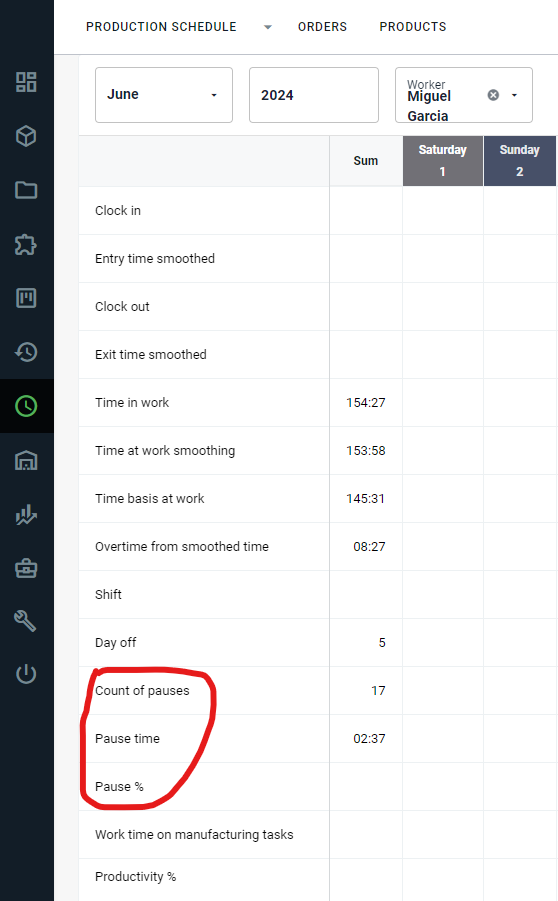
Additionally, by clicking on "Show pauses," we gain access to information about:
Count of pauses
Pause time
"Pause %" - shows us the percentage of time worker spent on breaks.
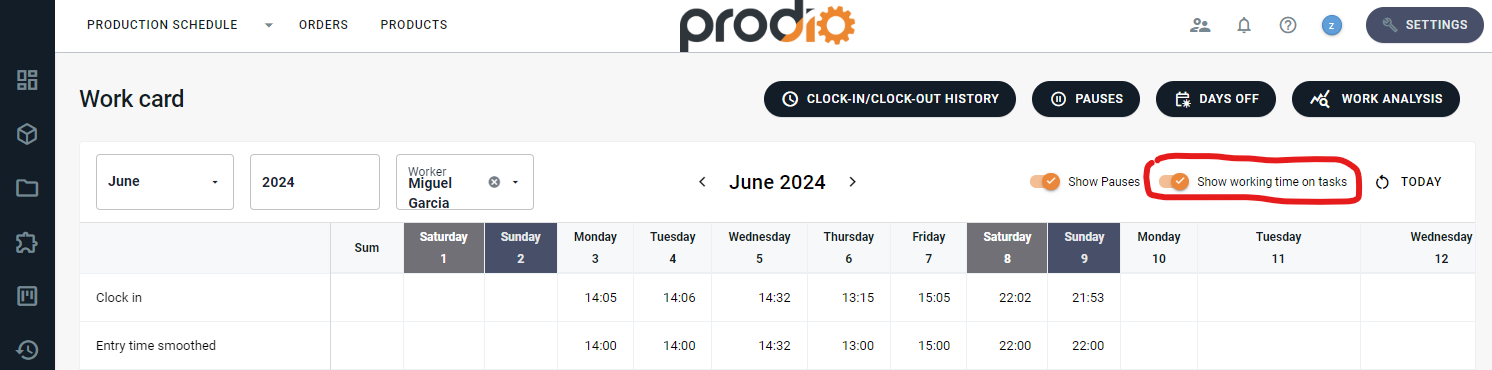
If we want, we can also see the time spent on manufacturing tasks and the workers productivity. To do this, we need to enable "Show time on manufacturing tasks."
All data for the Work Card is drawn from the "Days off," "Work pauses registration" and "Clock-in/Clock-out" tabs.
Summary:
Thanks to the Work Card, you can easily access statistics about your workers, quickly find out what they spent time on during a specific day, as well as over the entire month 🗓️. However if you need a summary of all your workers work time over the month, with access to basic information, we recommend using the Monthly summary 😉.
High five 🙋♀️ - team Prodio!
Prodio is a user friendly production planning software for small manufacturers.