
What is a Product?

A product is any item or its component parts that are sold to customers.
Product can be a finished product, an item requiring further processing, or a part that constitutes a larger whole. Products can be created, customized based on previously created templates, or assembled on special order, depending on the nature of the production.
Product Card
The product card contains essential information, files, photos, product technology, and raw materials. The primary requirement is the product name, but many other details can be added.
Below is the product card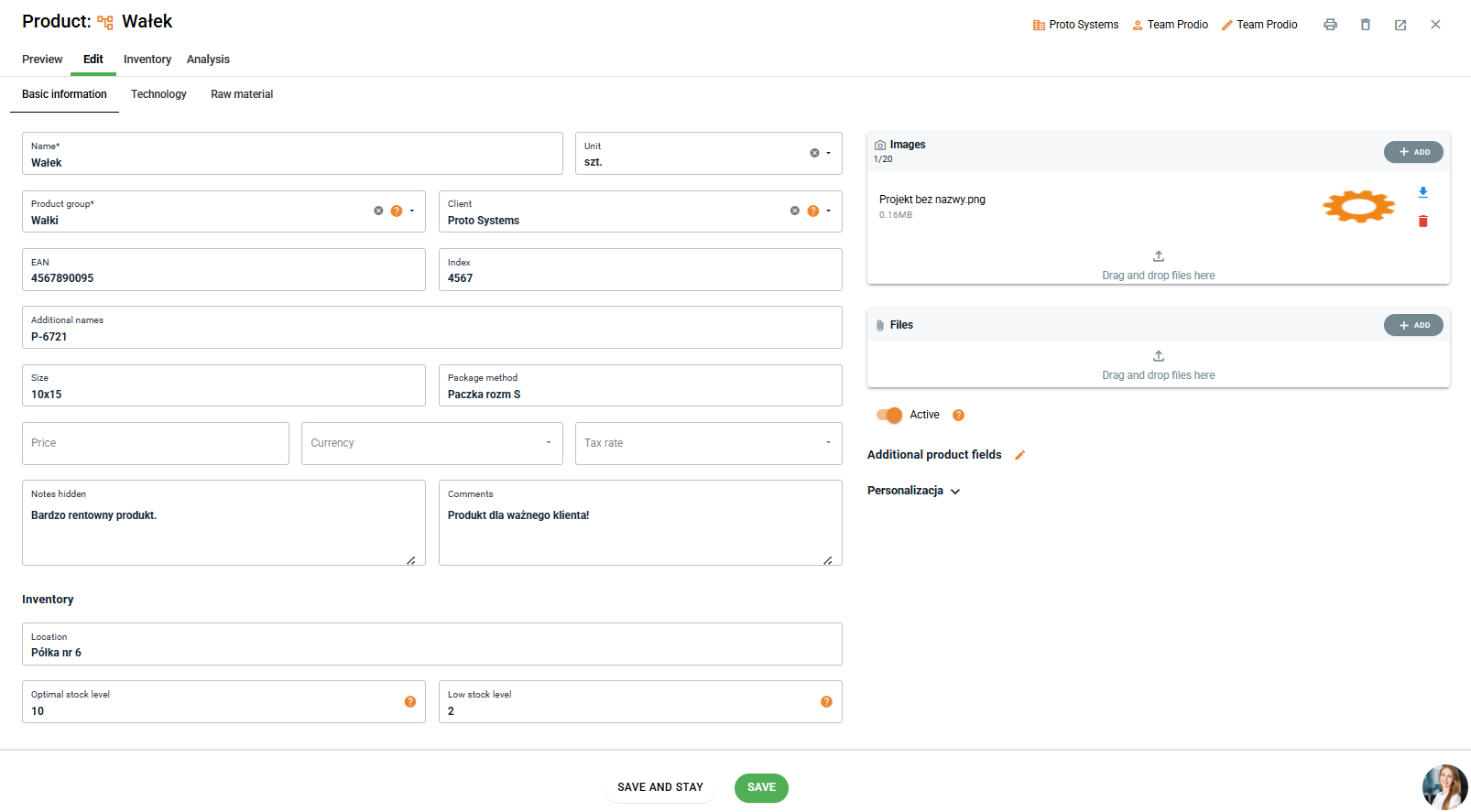
In Prodio, a product can take various forms depending on the production characteristics and needs:
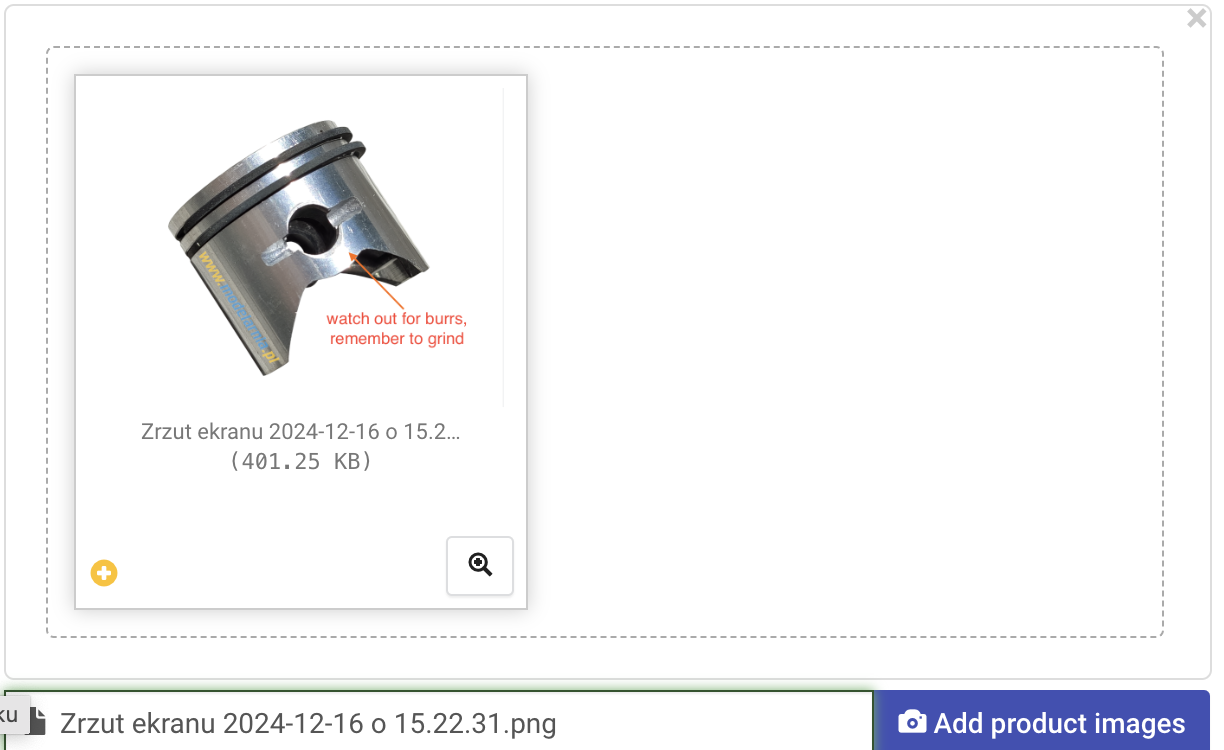
Repeatable Product - Entered into the database for repeat production, this product should contain detailed technical information, photos, and drawings. It's important to add elements specific to the product, such as machine setup instructions, specific customer requirements, quality nuances, and expected performance. It's also a good practice to include photos of typical product defects so the production staff knows what to watch out for, for example, in the metal industry – what defects may occur or how edges should be finished.
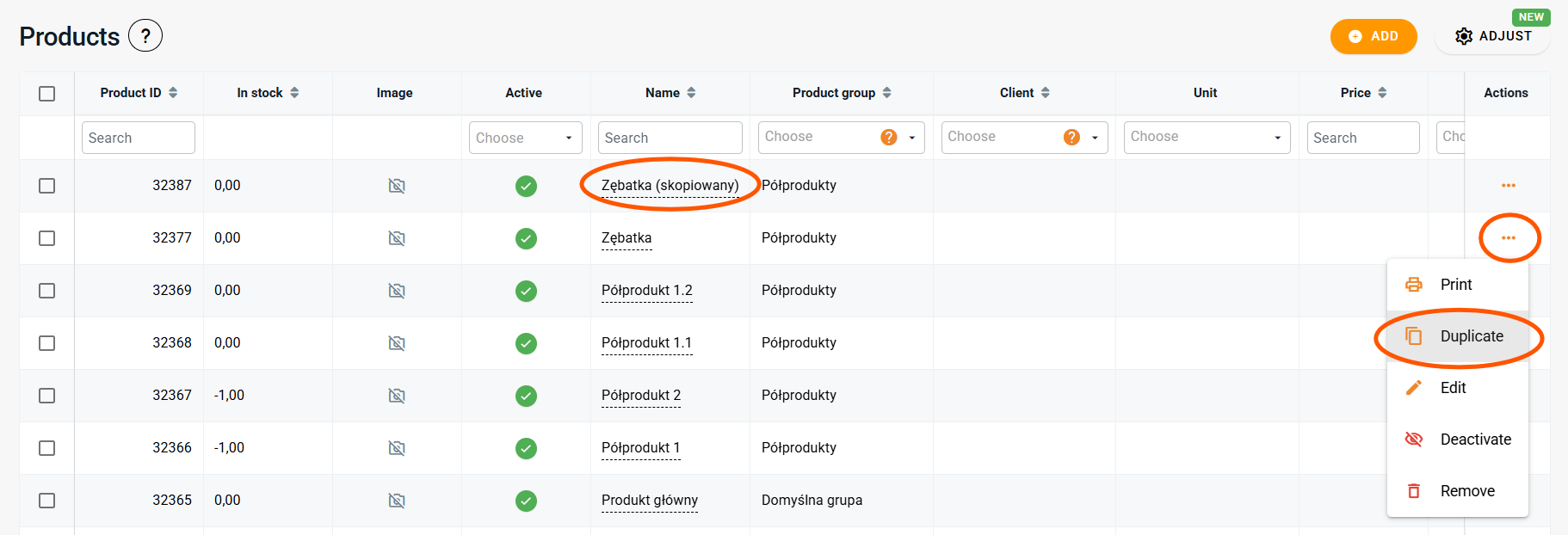
Made-to-Order Products/Product Templates - Created as a base with the main type of product and general technology, which will be adapted to the specific customer needs during order planning. A product template serves as a universal model containing a wide range of possible operations. By duplicating and modifying this template – changing the name, updating the technology, and adding details – new, personalized products can be easily created.
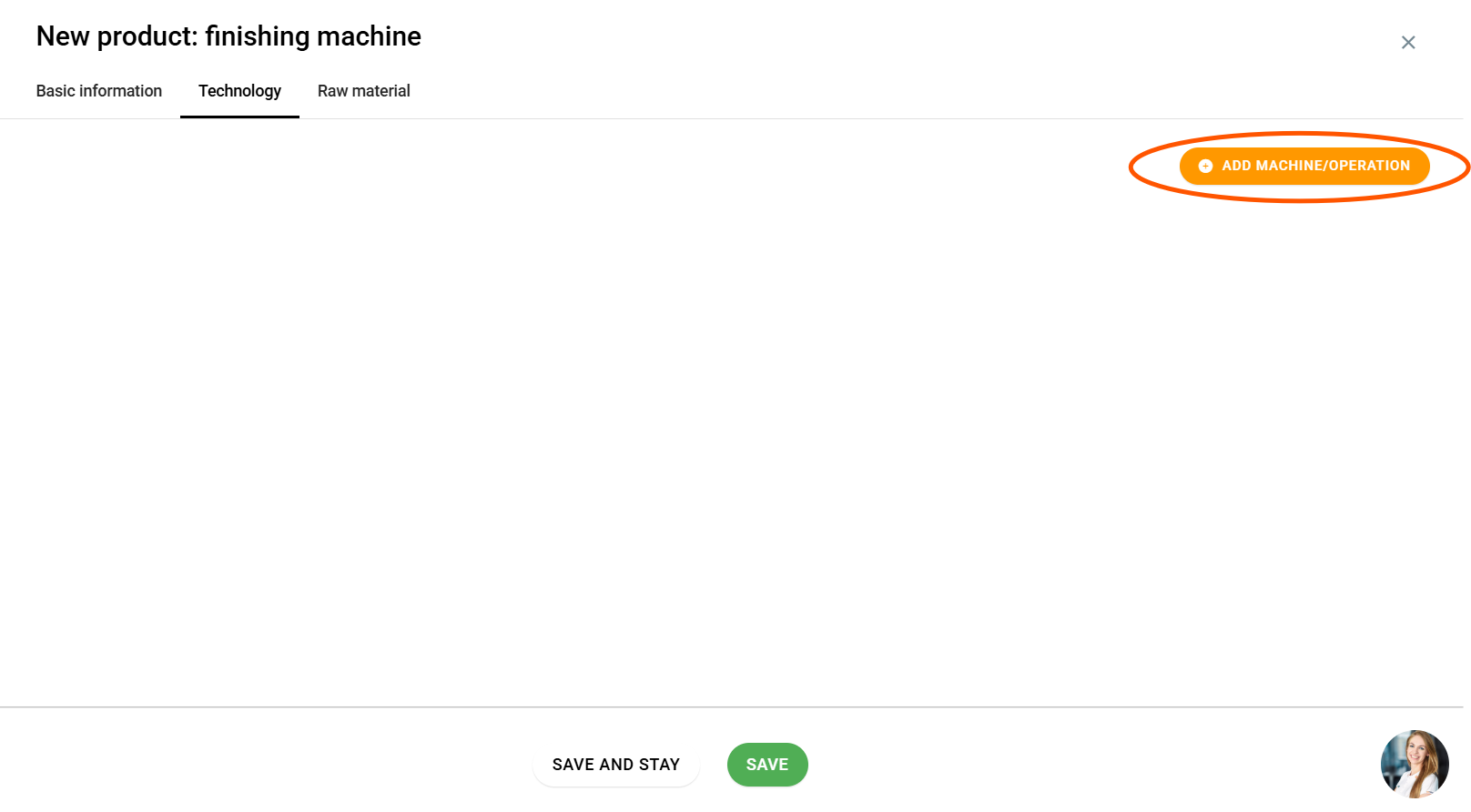
Services as a Product - For example, if you provide machining services, add a product named "finishing processing," and in the order details, specify the exact parameters. Be sure to add the technology in the product options.
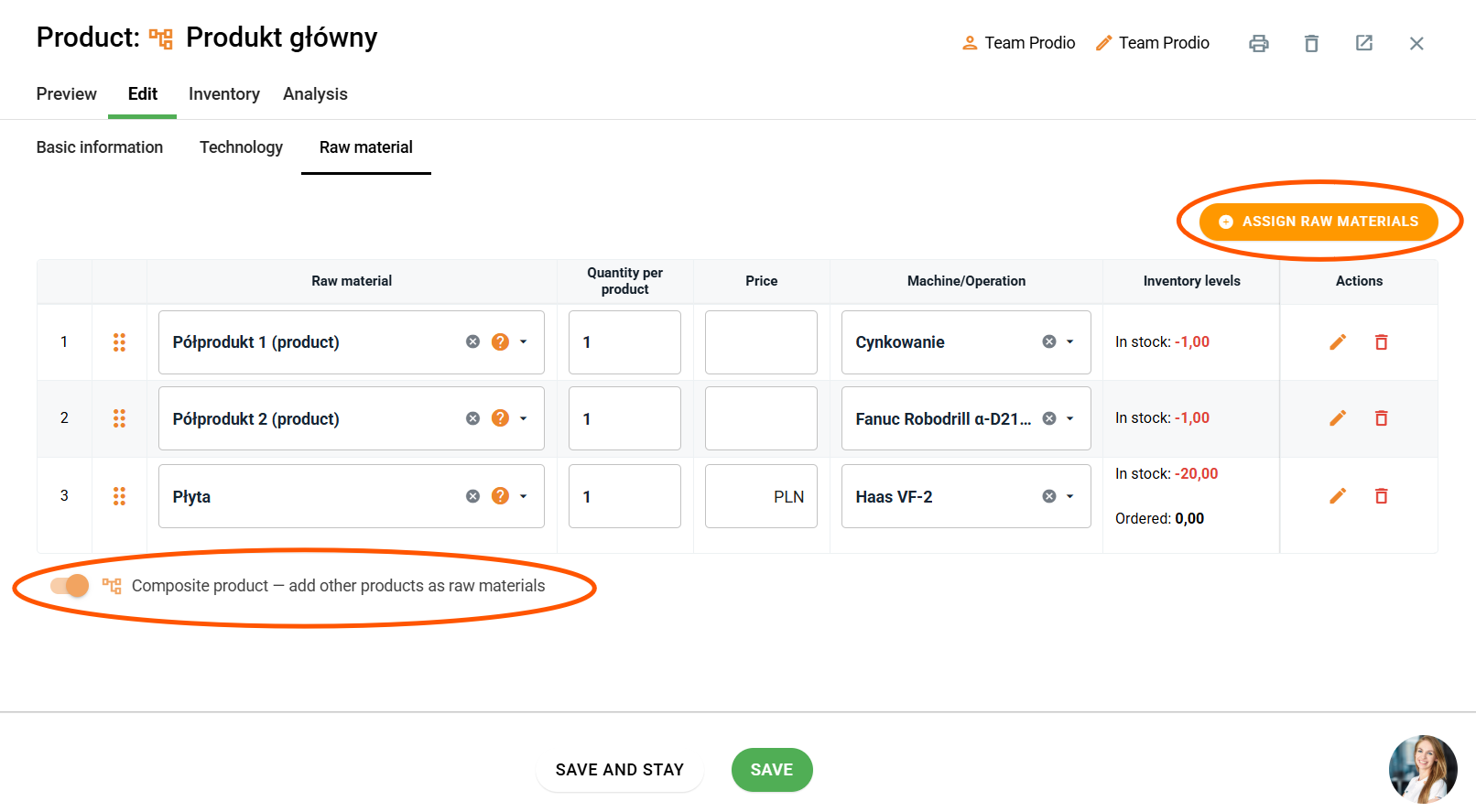
Product as a Component of a Machine/Tool - You can add each of these components as a separate product in Prodio, then combine everything with an external order number and mark it as a whole product. There is also an option to assign component parts in the "Materials" tab and mark a given product as a composite (assembled) product. If you also register the assembly time, it's worth including the main component in addition to the list of parts. For each component, it's useful to add as much information as possible related to it - outlining the full technology with times and parameters for each operation.
Remember that in Prodio, the product is the foundation for creating an order.
When the product is well-defined and detailed in the system, the entire ordering process becomes smoother and more efficient. Adding detailed information to the product, such as specifications, photos, or instructions, helps in precisely matching the order to the customer's expectations.
For made-to-order products, creating a good template once will allow you to produce many others with just one click.
High five 🙋♀️ - The Prodio Team!