
What Can You Find on the Production Schedule?

The production schedule is your virtual board, enabling comprehensive production management in a clear and intuitive way.
Here, you’ll find all the key information about your machines, operations, tasks, and employees' work, giving you full control over production processes. 📈
Columns and Task Tiles
On the main screen of the production schedule, you’ll see columns representing operations or machines. 🔍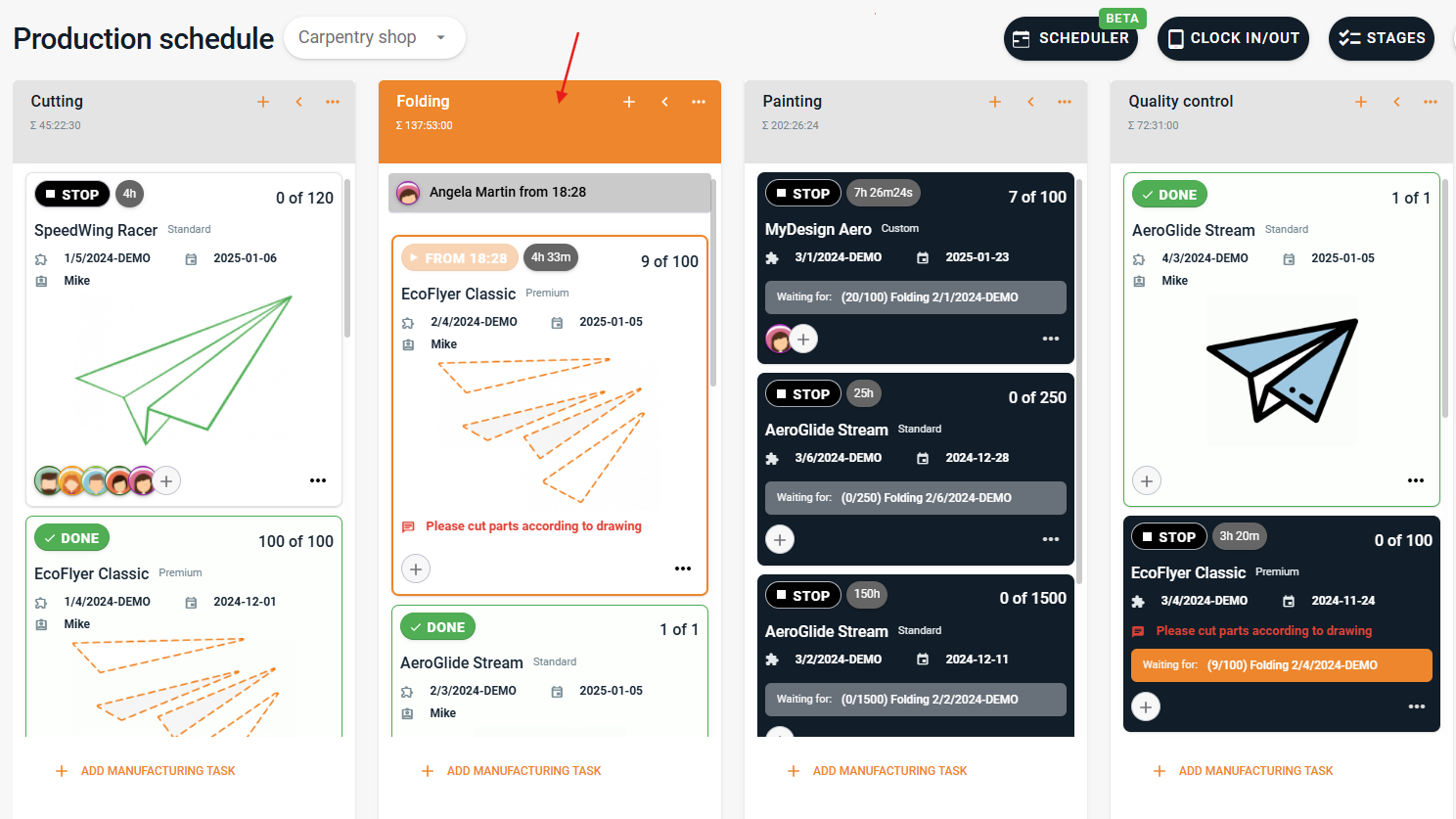
Under each column, there are task tiles representing manufacturing tasks scheduled for that machine or operation. The tiles are marked with different colors:
White tiles indicate tasks ready to be performed.
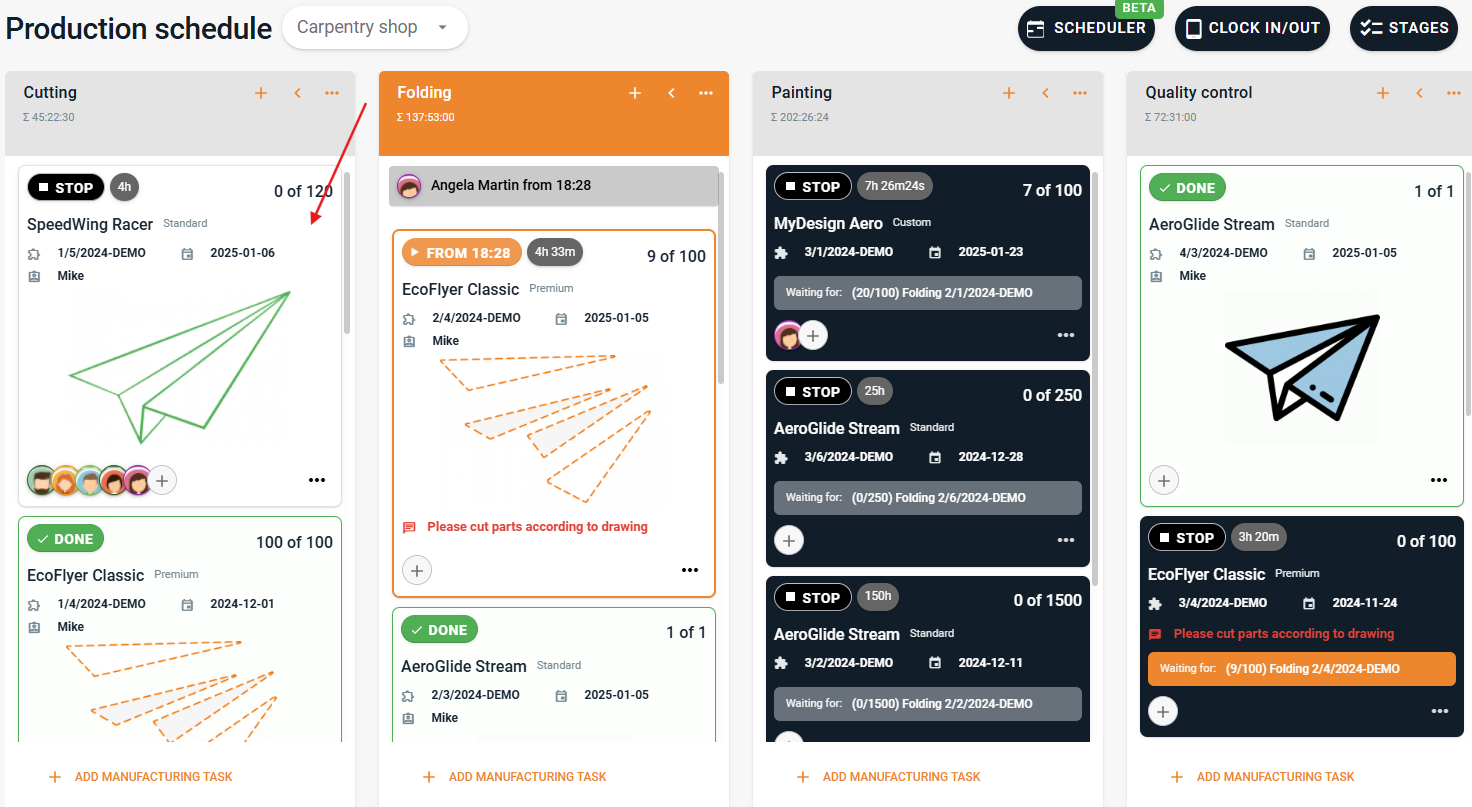
Black tiles represent tasks waiting for the completion of preceding tasks (white tiles).
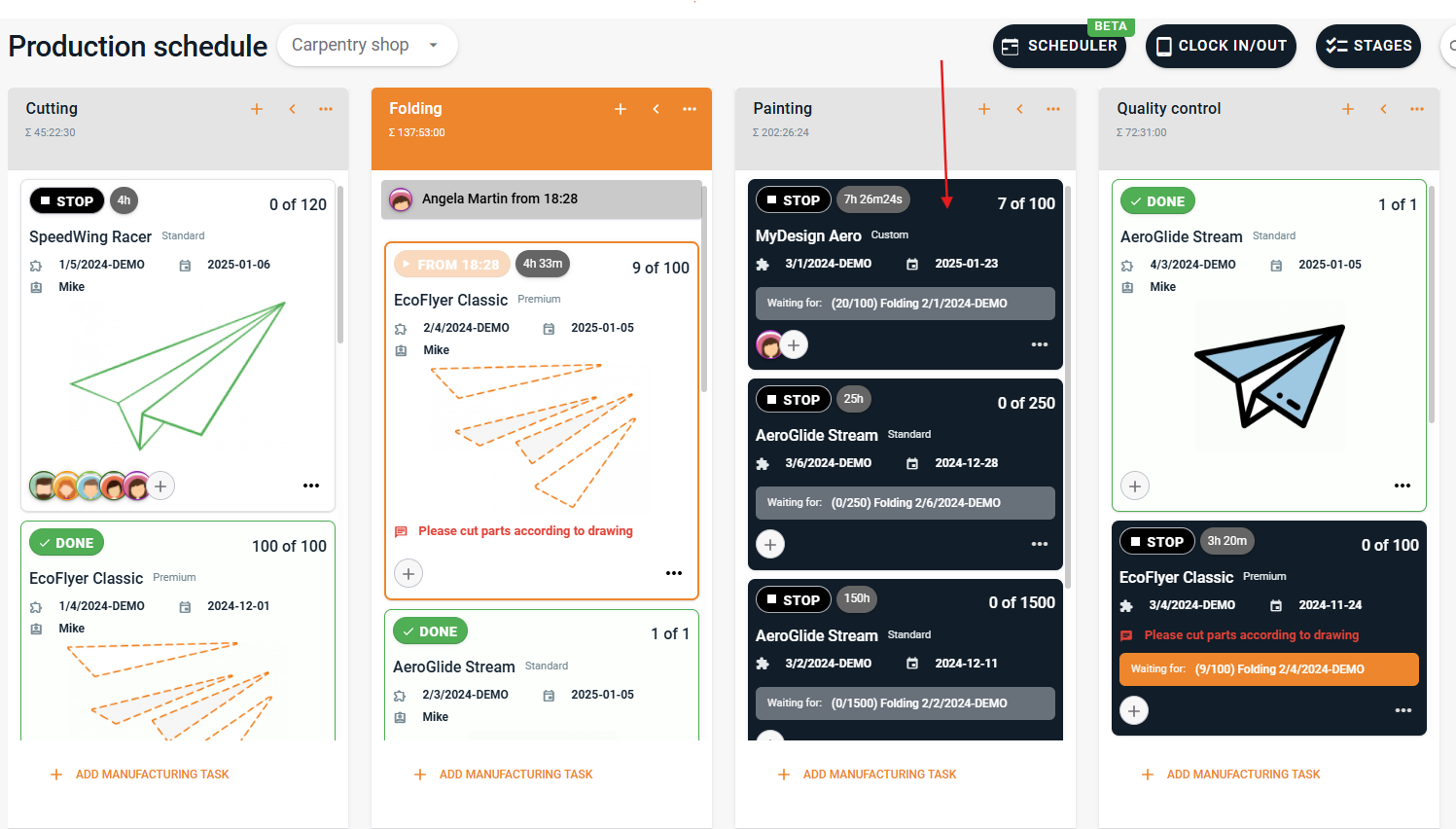
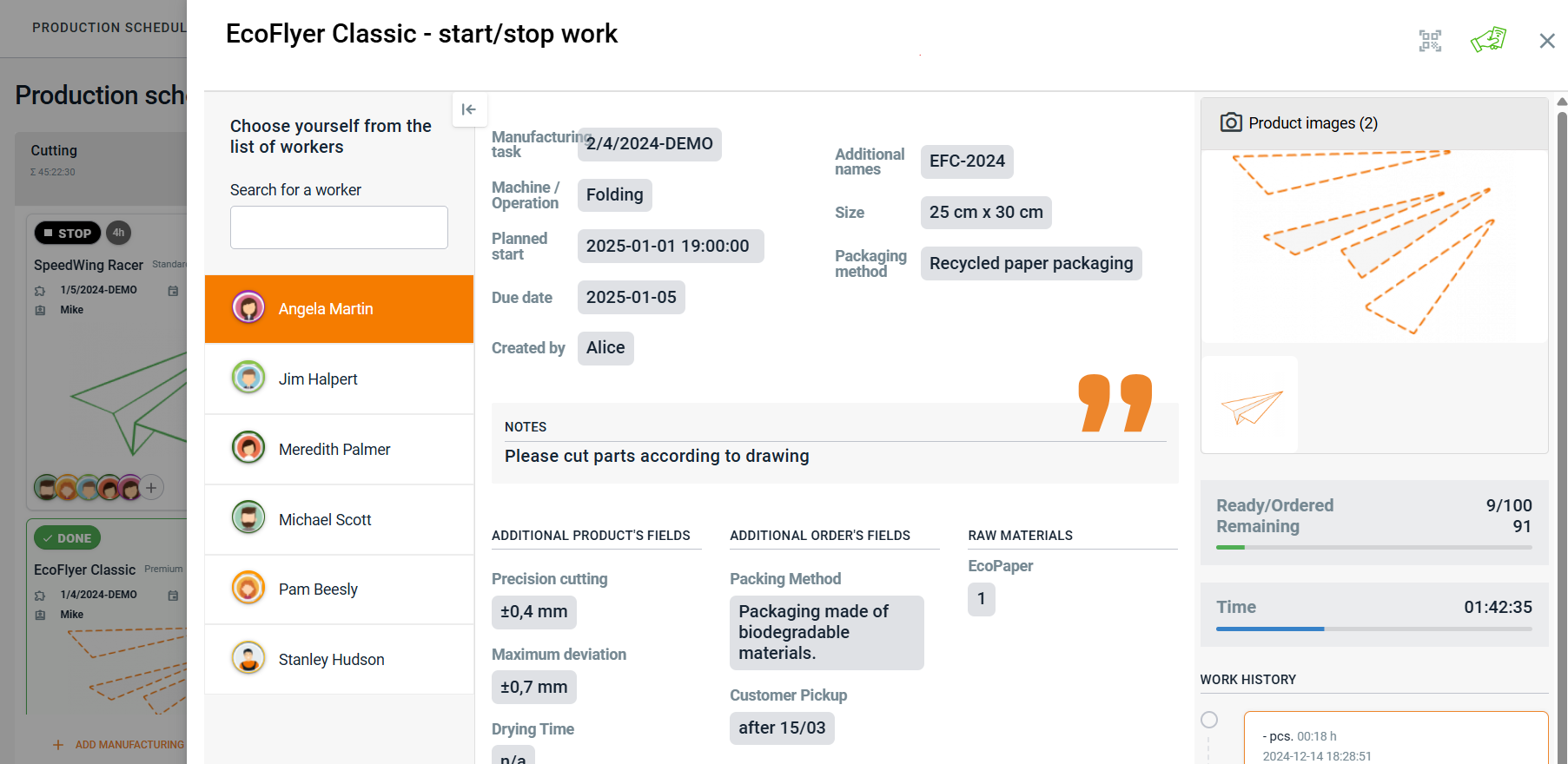
The tiles display essential information about the order, such as the product name or client. By clicking on a tile, employees can view task details, including specifications or additional notes. 📝
Machine and Task Status Information
Under each column, you can see who is currently working on the respective machine. Clicking on the employee’s name opens the details of the task they are working on. 👷
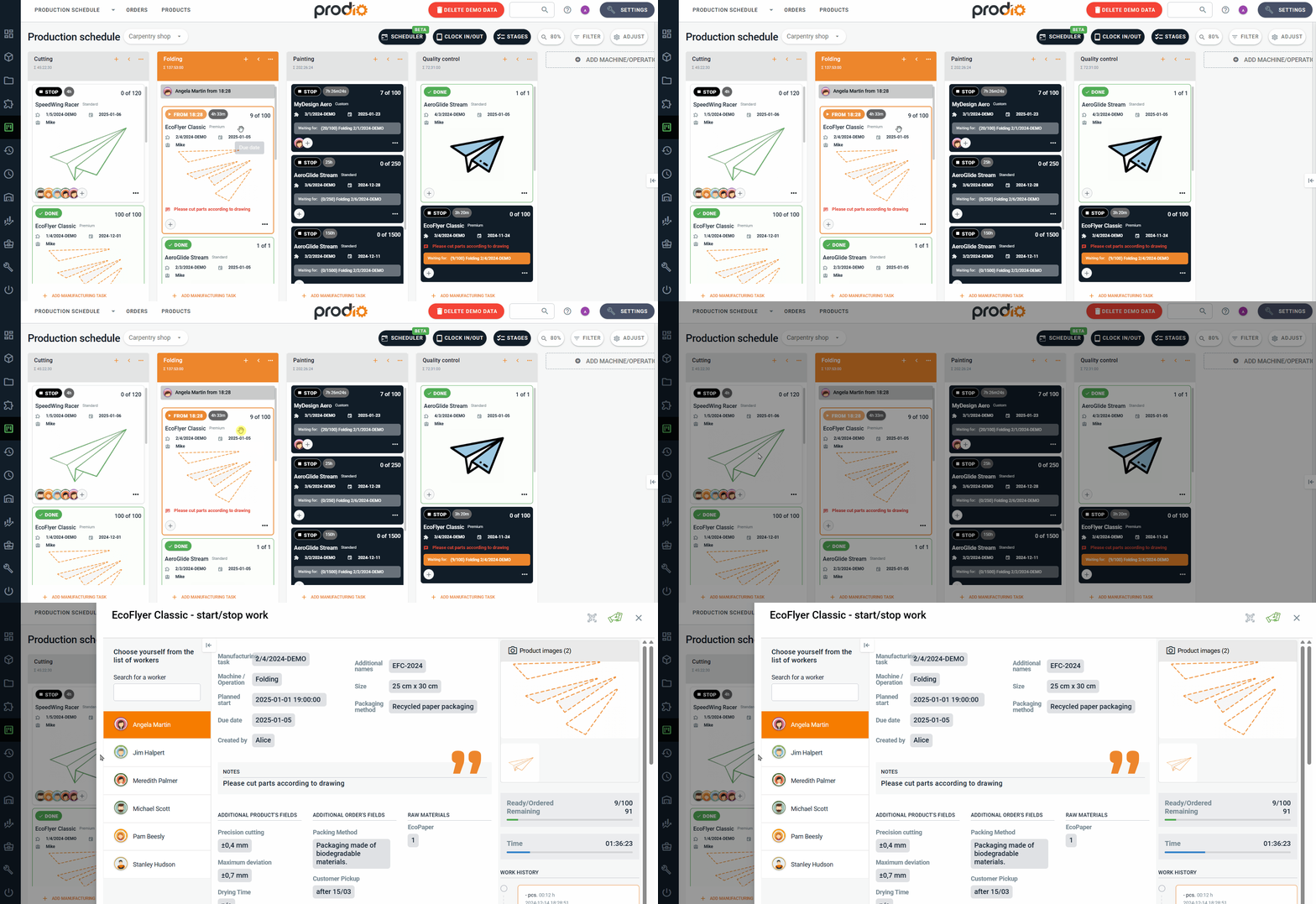
Additionally, each tile includes manufacturing task status indicators (e.g., "in progress," "pause," "completed"), making it easy to track progress. 😀
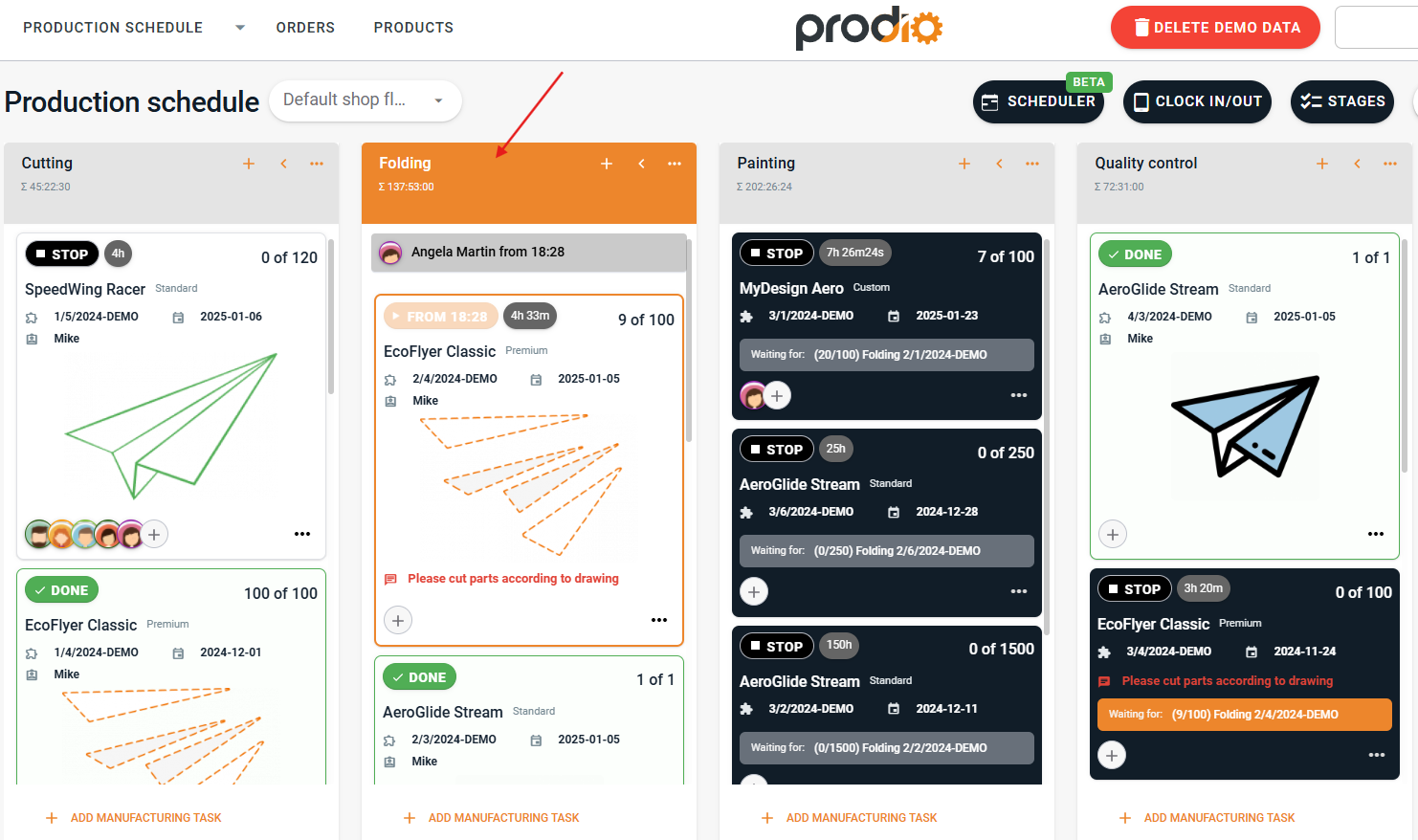
At the top of the schedule, you’ll find a toolbar with additional options to enhance production management:
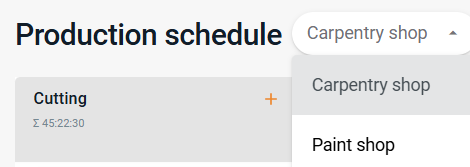
Switch between production schedules – If you have multiple production halls or departments, you can easily switch between their schedules.
Calendar view – Allows you to see the task schedule over a longer period. 🗓️
Clock-in/Clock-out view – Provides an overview of employee time registrations.
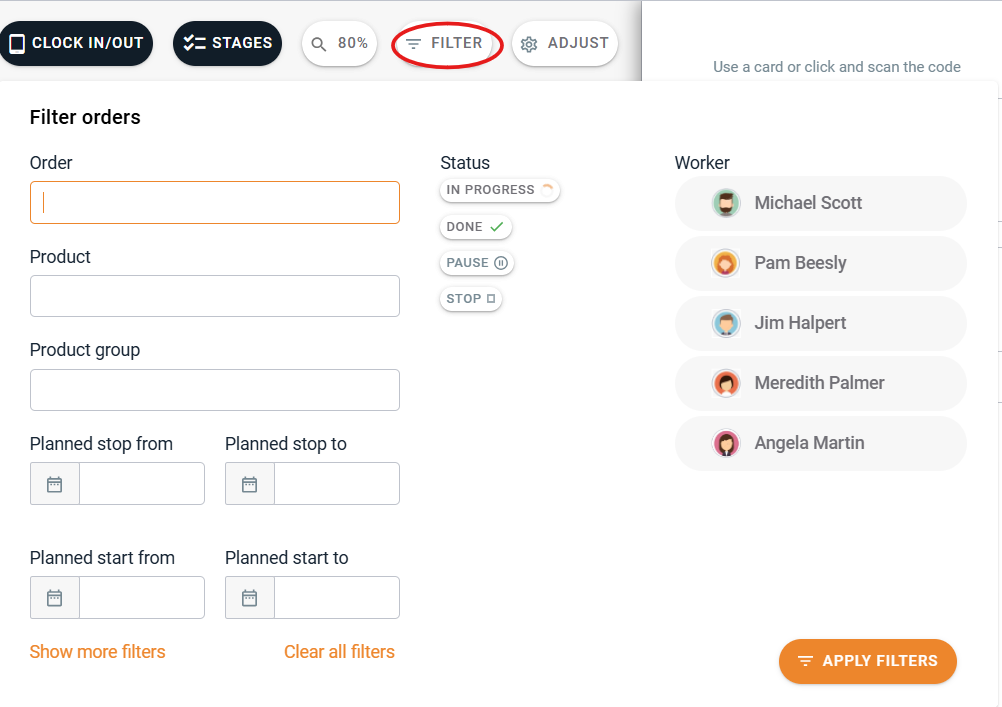
Filtering – Makes it easier to search for specific tasks by product, status, or worker.
Customize – Lets you personalize the view by deciding which information should be visible on the tiles.
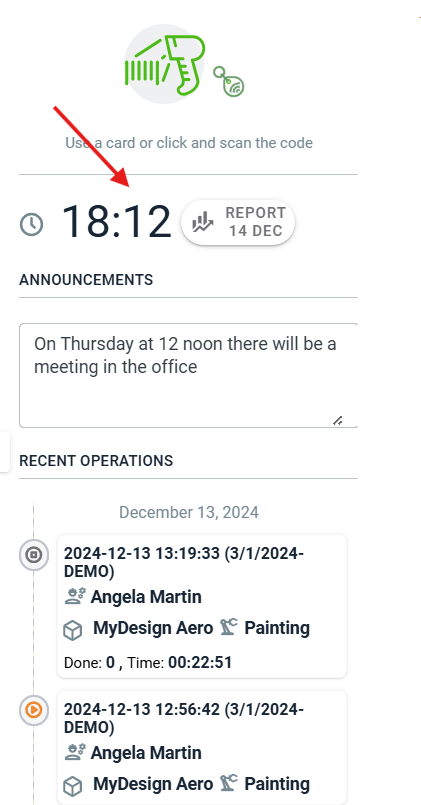
On the right side, there’s a side panel that serves as a quick information hub. Here you’ll find:
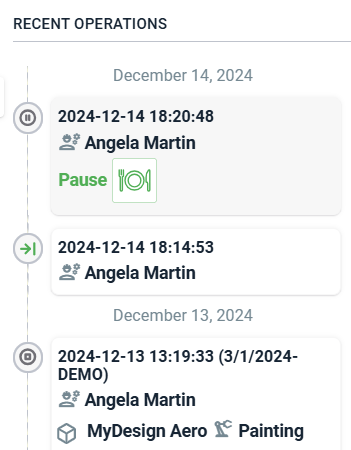
Employee work registration – Details on clock-ins, breaks, clock-outs, and task registrations.
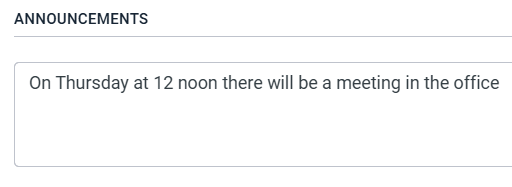
Noticeboard – A place to post important updates, such as meetings or schedule changes.
At the top, you’ll see the current time and a button to access the daily work report, allowing you to quickly review the day’s summary. ⏰
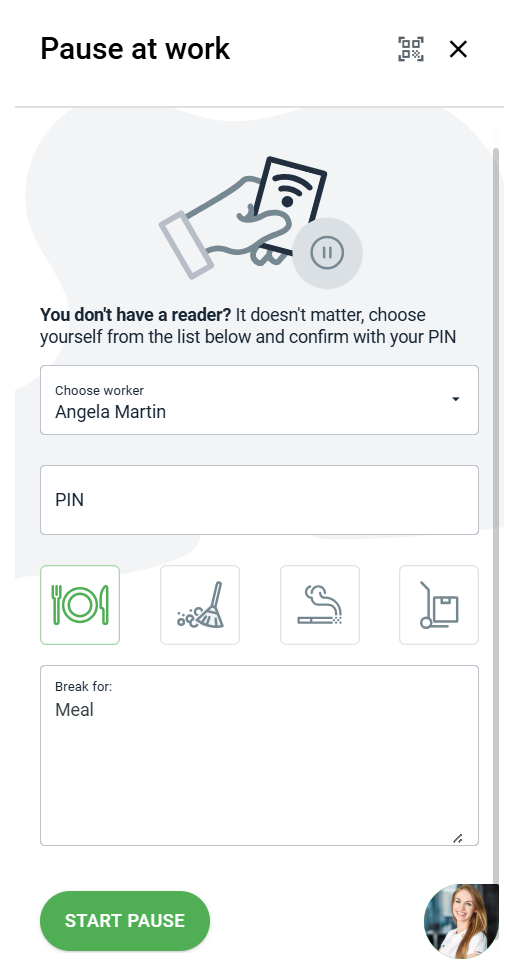
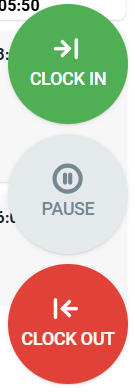
Beside the columns and tiles, your employees will see three additional tiles: Clock-In, Pause, and Clock-Out. These are essential for employee time registration:
Clock-In – By clicking on the tile and using an RFID fob, PIN, barcode, or QR code, employees can register their work start time.
Pause – During a break, employees log its start in the same way. The system requires a reason for the break, which can be selected from a list or entered manually. 🍽️
Clock-Out – At the end of the day, employees log their exit, enabling precise tracking of work time and activities.
Why Is the Production Schedule in Prodio So Useful?
The production schedule is not just a task management tool; it’s a comprehensive information management system. With it, you know who is working on what, which tasks are in progress, and which are awaiting action. All key data is available in one place, in real-time. Simple, clear, and always under control. 🥳
High five 🙋♀️ - team Prodio!
Prodio is a user friendly production planning software for small manufacturers