
How to Manually Add Clock in/Clock out?

Written by Magdalena Krzywda
To manually add a clock in...
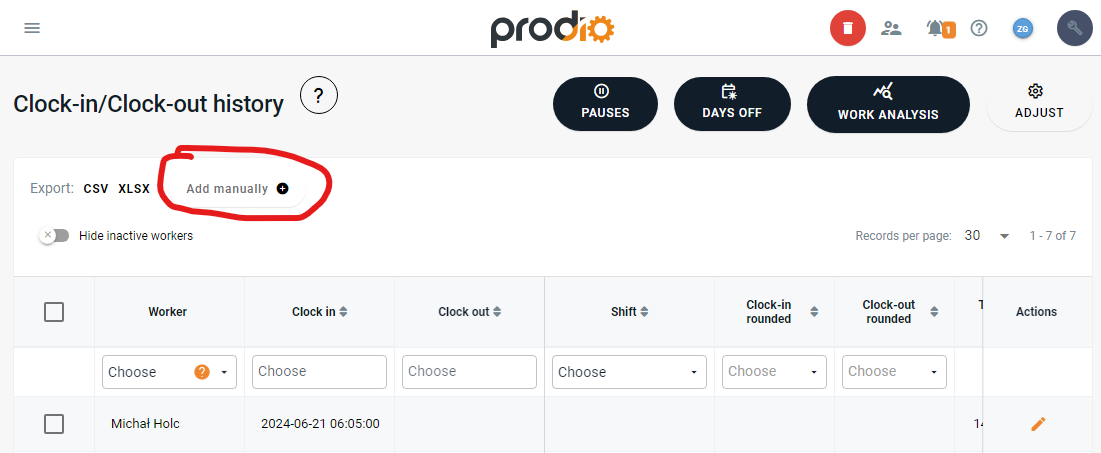
To manually add a clock in, simply click "Add manually" in the top right corner of the page. You will be directed to a page where you can select the worker and manually add the date, clock in time, and clock-out time.

Where to check who made the manual entry?
As mentioned earlier, when someone manually adds a clock-in and clock-out for a worker upon entering the edit mode of that worker, you will see an orange-highlighted message indicating that the entry was added manually, along with the name of the person who added it.

High five 🙋♀️ - team Prodio!
Prodio is a user friendly production planning software for small manufacturers.