
How to Log in to the Manager Panel?

Getting started with Prodio is very simple! 🚀
Once you click "Try Prodio" and enter your details, you'll receive an email with a link to log in to your account. ✉️
What does the email include? 📃
Login link – This link contains the name of your subdomain.
Login details – Your username and additional information.
🚀 You don’t need to visit the Prodio website specifically to log in. Simply click or enter the provided link.
How to Log in? 🔍
Enter the link you received into your browser.
Two login windows will appear:
Employee Login
Manager Login – This is where you log in! 🌟
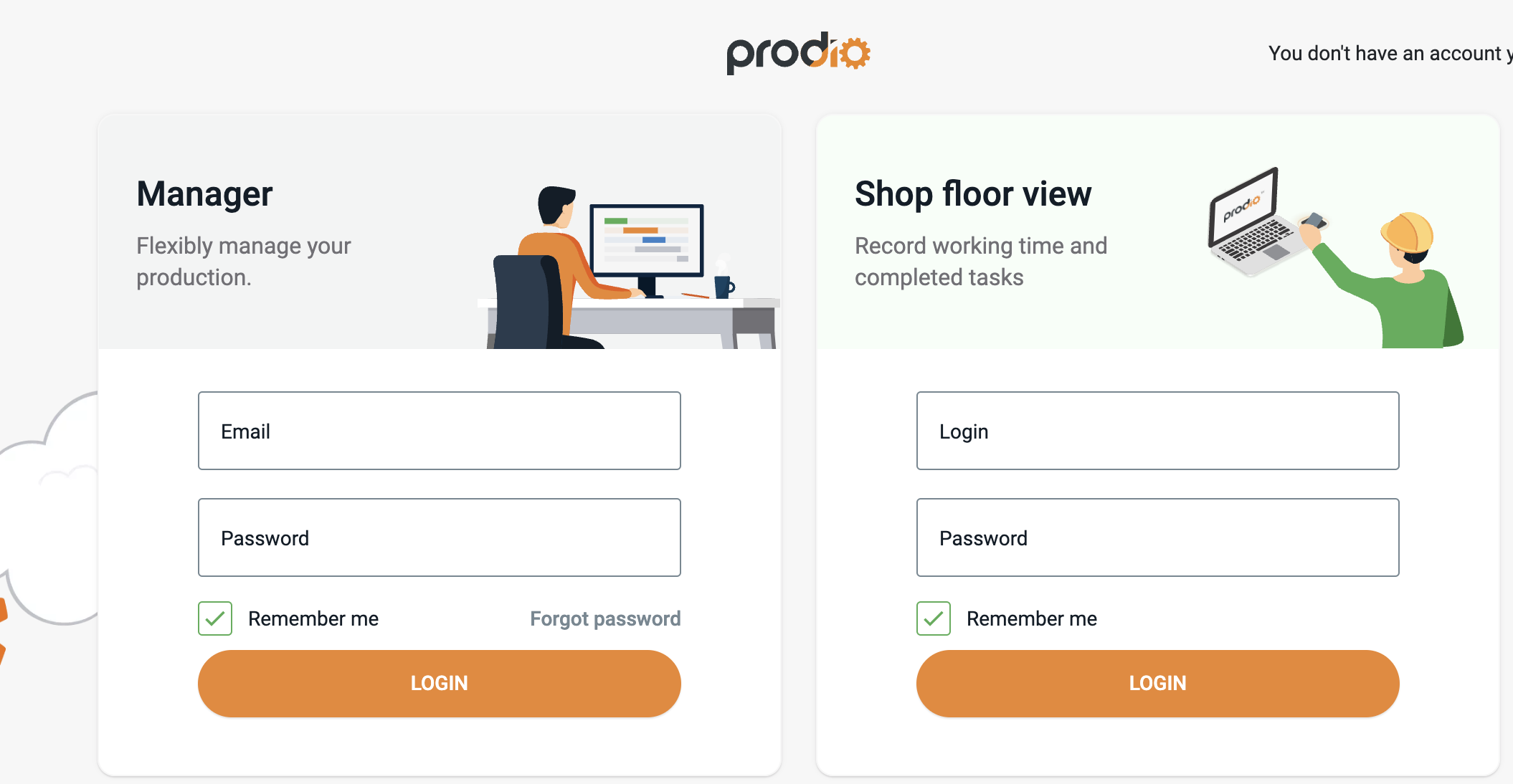
Enter Your Login Details:
Enter your login (the email address you provided during registration).
Enter the password you set during registration.
Click "Log In".
You're All Set! 💫
Now you can start using your manager panel. Check orders, plan production, and manage your business without any hassle. 🛠️
High five! 🙋♀️ – The Prodio Team
Prodio – The most convenient way to plan production and monitor work online.