
How to Add a User in Prodio and Assign Permissions?

-
In Prodio, users are individuals with access to the program's management interface, unlike employees who primarily work on the production floor. Importantly, you can have an unlimited number of users on your account, so anyone who needs management access can have it. 🚀
Who Is a User?
A user is someone who uses Prodio on the management side. They can have access to orders, inventory, reports, and other functions, depending on their assigned permissions. Users can be managers, warehouse staff, office employees, or production planning specialists. They log into the account through the "Manager" interface.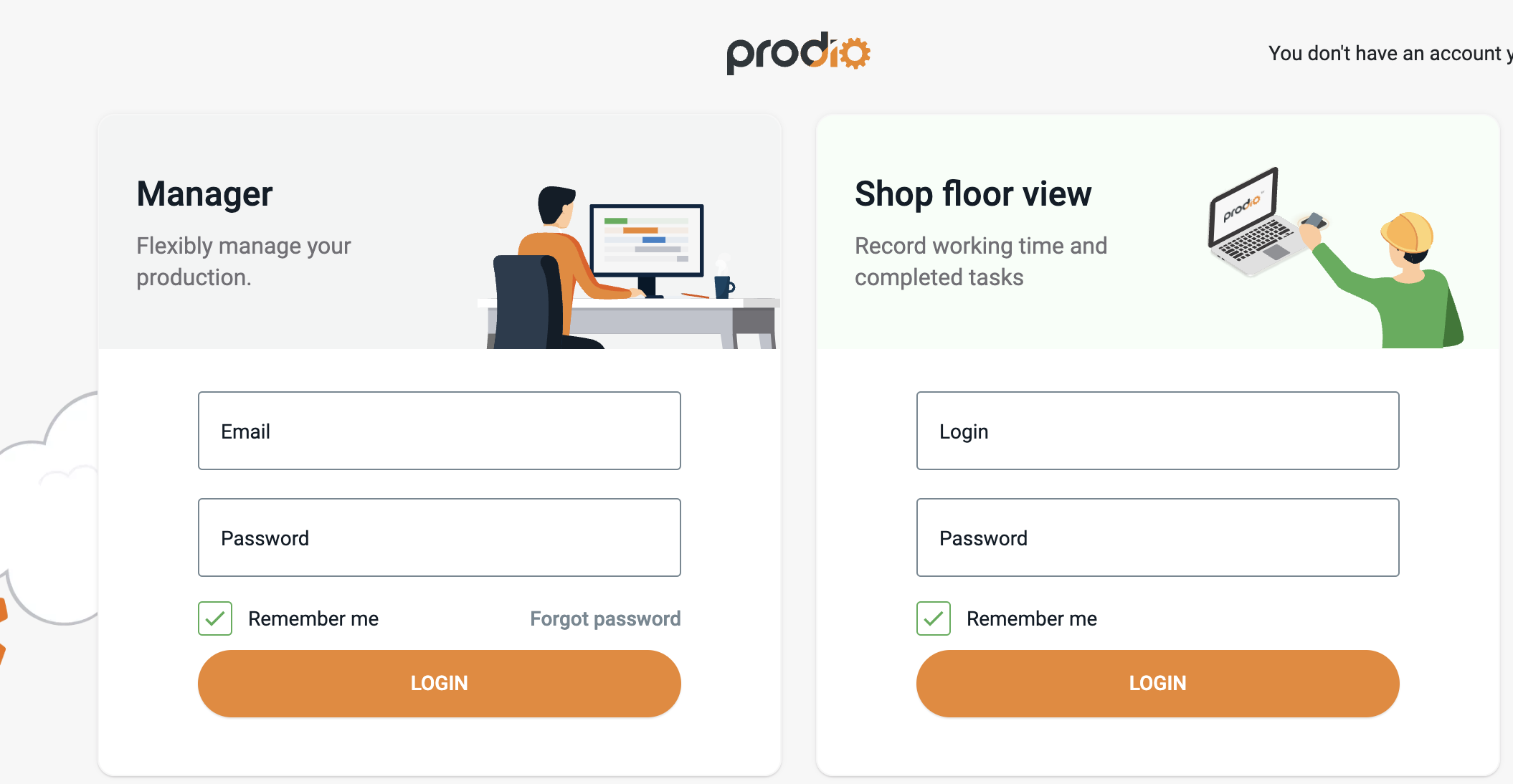
How to Add a New User?
From the left-hand menu, select "Settings" → "Users".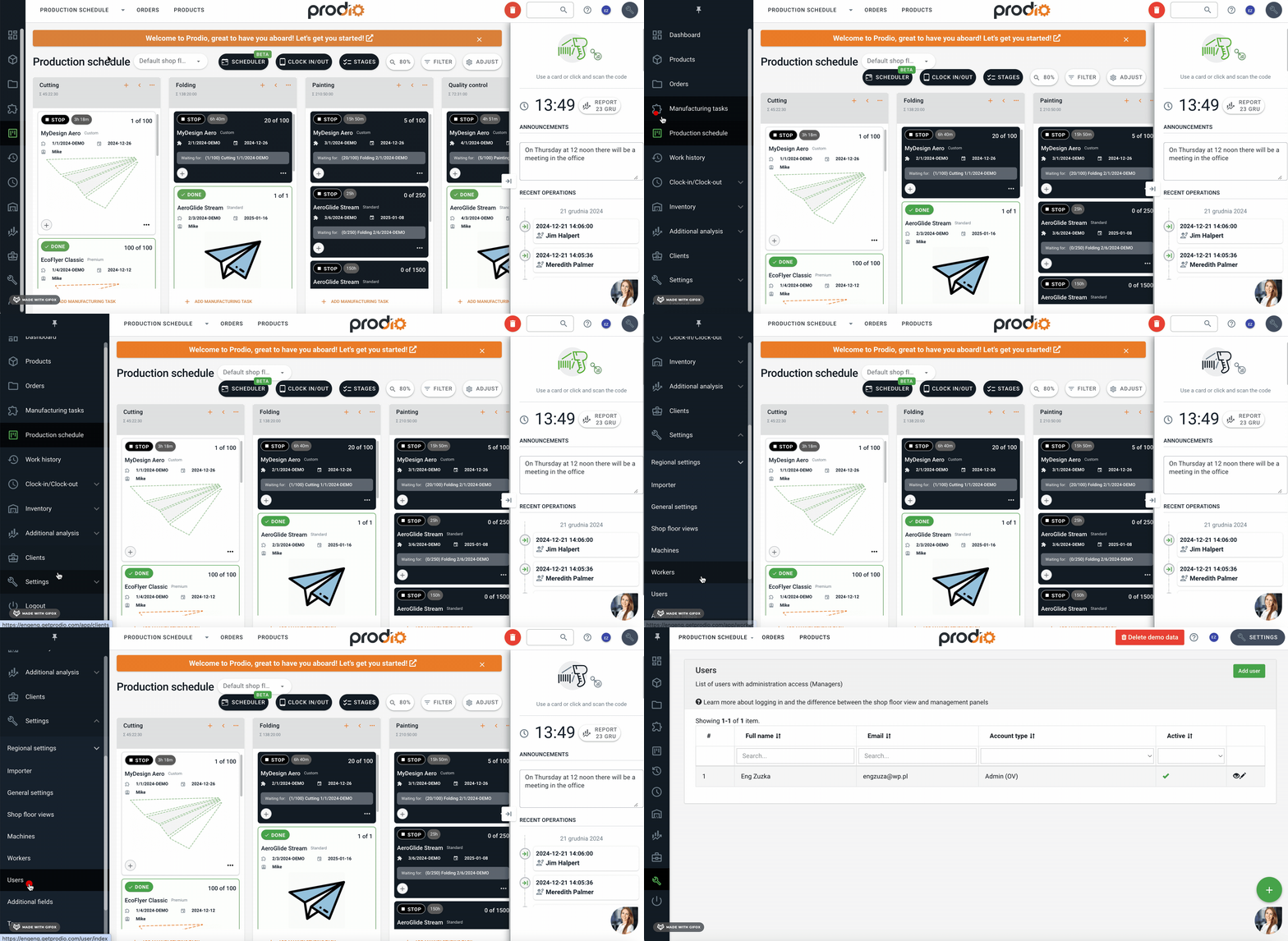
Click the green "Add User" button.
Fill in the Details:
Email Address and Password – These are mandatory, as the user will use this information to log in.
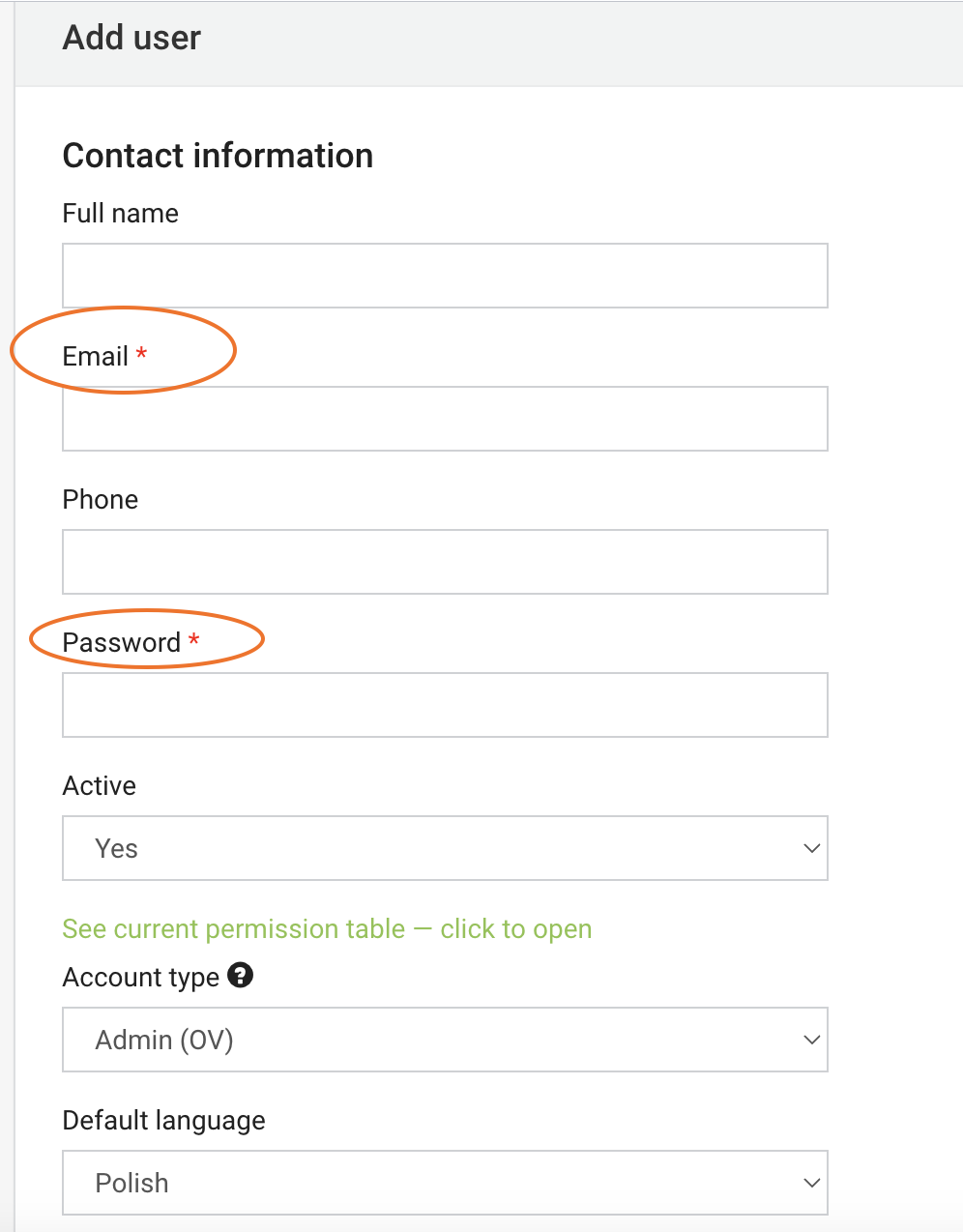
First and Last Name (optional) – Helps with identification.
Phone Number (optional) – Useful for contact purposes.
Program Language – Sets the default language for the user.
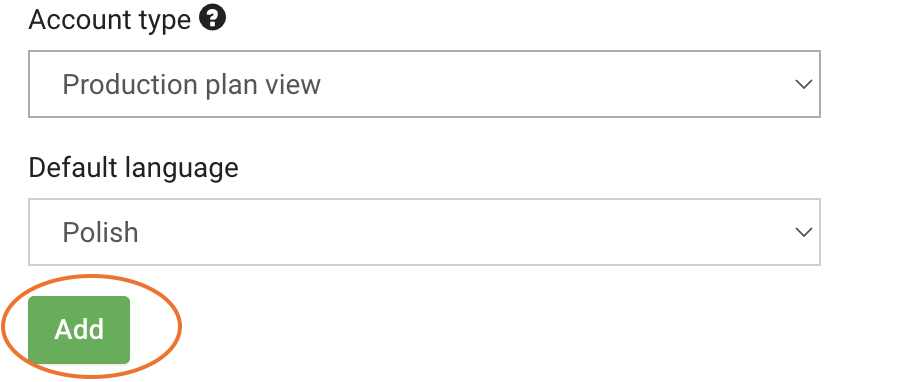
Account Type – Defines the user's role and access within the system.
Assigning Permissions
To ensure the user has the correct permissions:
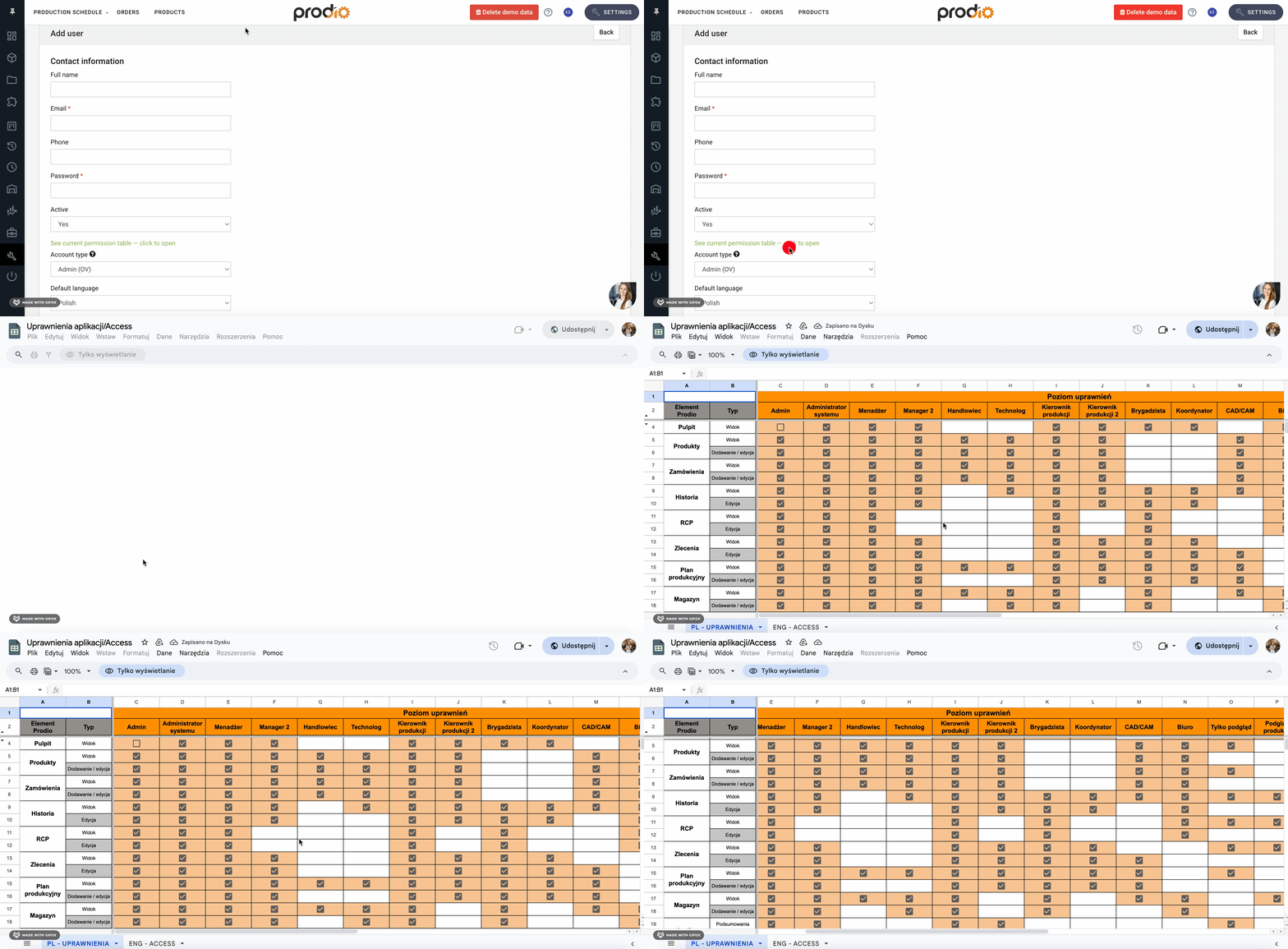
Click on "Current Permissions Table", where you’ll see exactly what each account type can do in the program.
For example:
Warehouse Staff – Has access only to inventory.
Office Staff – Can view the orders tab with statuses to know when to issue invoices.
Final Steps
After reviewing the permissions, select the appropriate Account Type for the new user in the "Account Type" field.
When all the details are filled in, click the green "Add" button – and you're done! The user can now log in to their account and start using the program.
Note for Users Working on the Production Floor
If the new user will also clock in on the production plan, register check-ins, check-outs, and breaks, you can add them as an employee as well. Simply assign them to the employee list in the program.
Adding users in Prodio is quick and intuitive. This allows you to easily manage your team and tailor program access according to your needs. 😊
High five 🙋♀️! – The Prodio Team
Prodio – The most convenient way to plan production and control work online.